Live tracking for Windows · built for trucks

Track every truck in your fleet, in real time.

GPS-Trucking is a powerful Windows desktop app for live truck tracking, route history, geofencing and driver reports — all on one map, updated every second.

check_circleFree to install check_circleWindows 10 & 11 (64-bit) check_circleNo credit card
my_locationGPS-Trucking — Live Map
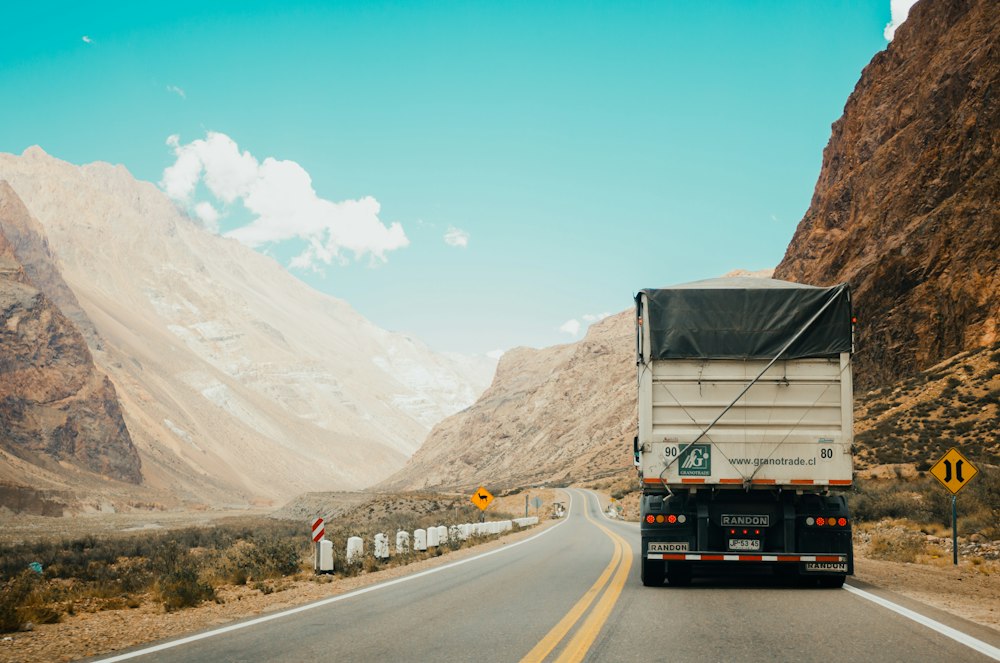
Truck being tracked on a highway
speed62 mph · OnlineTruck #A-214 · I-80 W
local_shippingIdle · 4 minTruck #B-087 · Depot
Built for owner-operators & fleets of every size
1 seclive update rate
90 daysroute history
24/7geofence alerts
Features

Everything you need to run your fleet

From a single truck to a hundred, GPS-Trucking keeps your whole operation on one screen.

my_location

Live GPS Tracking

See every truck move on the map in real time, with speed, heading and online status updated each second.

route

Route History

Replay any trip from the last 90 days. Review stops, mileage and time on the road for any vehicle.

crop_free

Geofencing

Draw zones around depots, customers or borders and get instant alerts when a truck enters or leaves.

bar_chart

Driver & Trip Reports

Exportable reports on distance, idle time, stops and working hours — ready for payroll and compliance.

notifications_active

Smart Alerts

Speeding, long idle, unexpected stops and after-hours movement — know the moment something happens.

desktop_windows

Native Windows App

Fast, lightweight desktop client for Windows 10 & 11. No browser tabs, no lag — just your fleet.
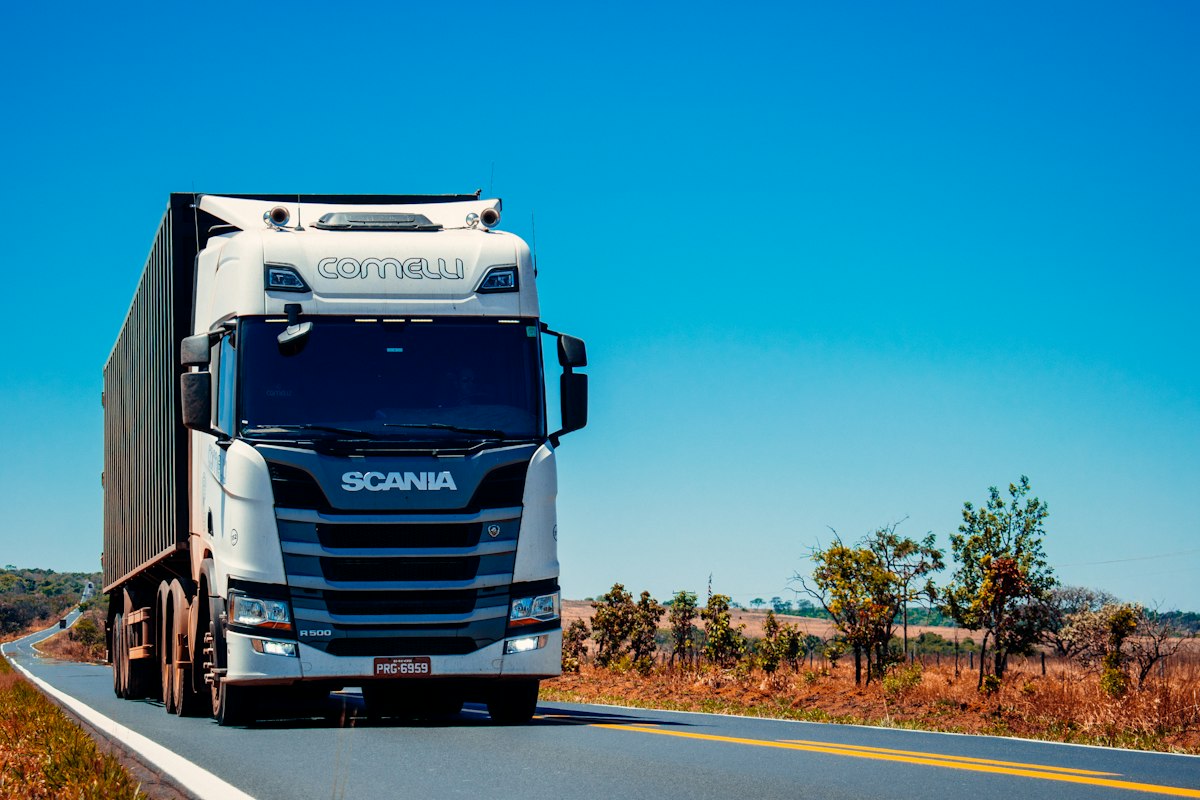
Truck on the road being tracked by GPS-Trucking
On the road

Know where every load is — always.

Whether your trucks are crossing the state or crossing the country, GPS-Trucking keeps their exact position, speed and status on your screen the whole way.

  • check_circleLive position & speed for every vehicle
  • check_circleInstant alerts the moment a truck leaves a zone
  • check_circleFull trip history you can replay anytime
How it works

Up and running in minutes

No complicated setup. Install, connect your trucks, and start tracking.

Download & install

Grab the Windows installer and run it. The app installs in seconds on Windows 10 or 11.

Add your trucks

Connect your GPS trackers or driver devices and label each truck in your fleet.

Track & manage

Watch the live map, set geofences, and pull reports whenever you need them.

Version for Windows

Download GPS-Trucking for Windows

Get the full desktop app and start tracking your trucks today. Works on Windows 10 and 11 (64-bit).

desktop_windowsWindows 10 / 11 · 64-bit · requires an internet connection for live tracking

FAQ

Frequently asked questions

Which Windows versions are supported?add

GPS-Trucking runs on Windows 10 and Windows 11 (64-bit). Download the .zip, extract it, and run the installer inside.

How many trucks can I track?add

There's no hard limit — track a single truck as an owner-operator or an entire fleet of hundreds on the same live map.

Do I need special hardware?add

You can use dedicated GPS trackers in your trucks or a driver device that reports location. The app brings all of them together in one place.

Is my fleet data private?add

Your tracking data belongs to you. It's used only to show your fleet's location and history inside your own app.